
Photoshop Essentials Part I: Learn to Edit Your Own Images (Intermediate-Level)
$149.00
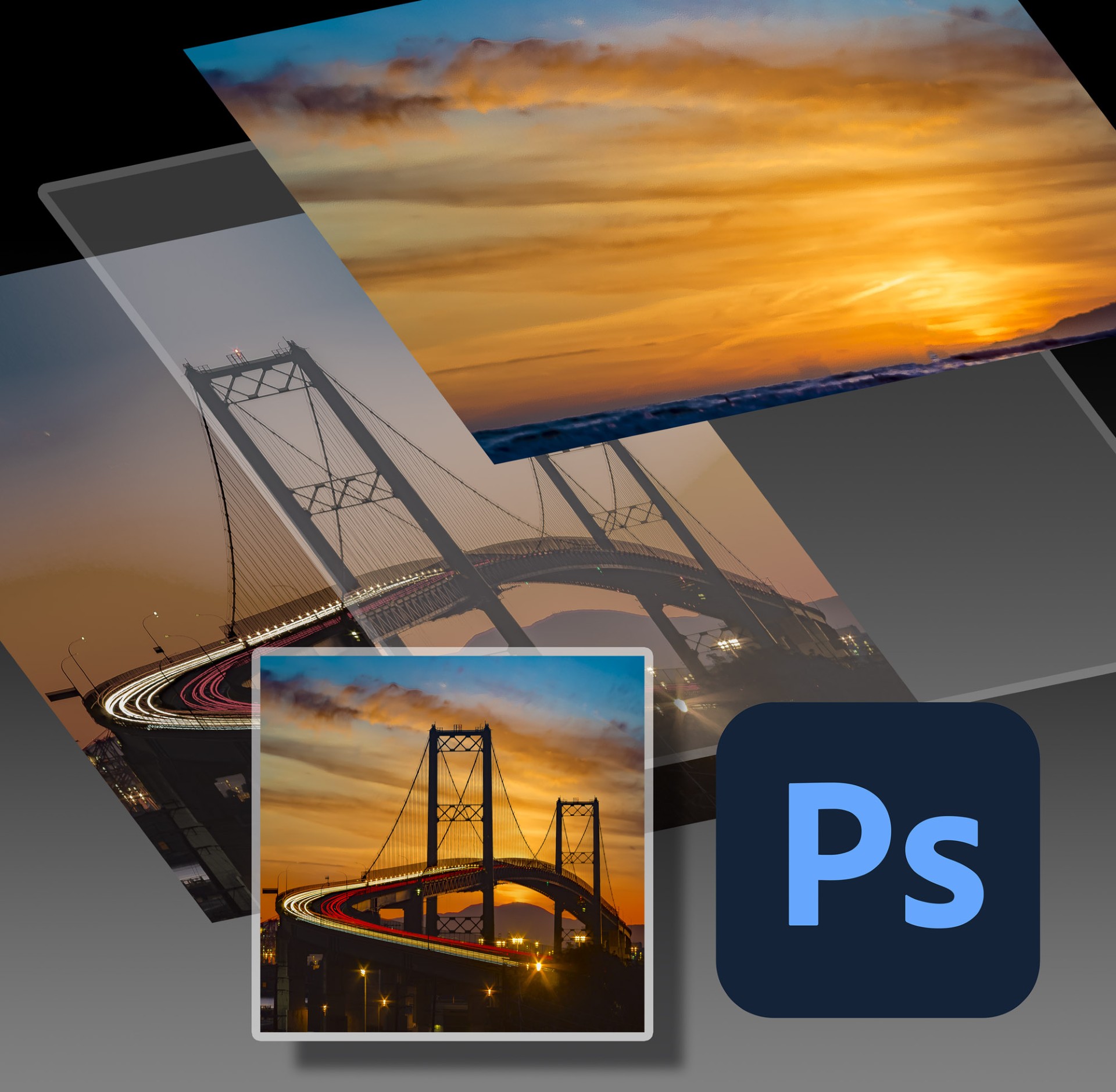
Edit Your Own Images in Photoshop: Intermediate-Level
Saturday, January 17, at 10:00am - 1:00pm
Take your Photoshop skills to the next level in this hands-on intermediate-level Photoshop workshop! Dive deeper into the program's most powerful tools and techniques as we build on foundational skills to create more refined, professional-grade images.
In this class, you will practice essential editing techniques to enhance, and bring out the best in your images. We’ll dive into tools like masking, layers, adjustment tools, and retouching methods, with plenty of guided practice and personal feedback. This workshop is designed for photographers who already have a working knowledge of Photoshop basics and are ready to build confidence and efficiency in their editing workflow.
Topics Covered
- Building in Layers – Learn how to work with layers to create complex compositions and organize your editing process with ease.
- Masking and Blending – Master layer masks and blending modes to combine images and make seamless edits.
- Adjustment Tools – Explore advanced adjustments to fine-tune color, exposure, and tone for captivating results.
- Retouching and Healing – Perfect your images by learning effective techniques for removing blemishes, distractions, and enhancing details
Materials Needed
- Personal Computer (Mac or PC is acceptable) with minimum 8GB of RAM
- Adobe Creative Cloud installed on your computer
- Adobe Photoshop CC installed on your computer
- Adobe Lightroom Classic installed on your computer (not required but considered helpful)
- Mouse or Wacom Tablet (laptop track pads are not suitable)
- USB port or USB adaptor
- 3-5 of your own images
Qualifications
Intermediate
Completion of Photoshop for Photographers, or a working knowledge of Photoshop basics.
Instructor
Scott Crawford
All of our standard Policies apply.